Video trimmer for PC free download: LosslessCut and five alternatives compared
Short answer
The best free video trimmer for a Windows PC is LosslessCut when you want to cut without losing quality: it is open source, adds no watermark and copies the video instead of re-encoding it. Install it with the winget command in the box. For a single quick trim, the built-in Photos app needs no download at all.
Press Win+R, paste with Ctrl+V, press Enter. A window opens, installs LosslessCut and closes by itself; no admin prompt.
Package ch.LosslessCut in the Windows Package Manager catalogue. It is a community repackage of the official Windows build, not published by the developer. Start it from a new PowerShell window by typing LosslessCut.
Windows 10 or 11 and 7-Zip to extract the archive. FFmpeg is included. The APPX files on the release are store packaging and do not work as a manual download.
What is the best free video trimmer for PC?
No single trimmer wins every job. LosslessCut is best for fast cuts that keep the original quality, the Photos app for a trim with nothing to install, and Shotcut or Clipchamp when you also want titles or transitions. The table compares the six free options that searchers see most, checked on September 29, 2026.
We checked each winget ID in the microsoft/winget-pkgs catalogue on September 29, 2026: four of the six install with one command, while Photos and Clipchamp already ship with Windows 11. The paid suites that also rank for these searches, such as Movavi Video Editor and Wondershare Filmora, are closed source; Movavi's own roundup of free cutters warns that its free build may watermark exports or limit their length.
Which video trimmers cut without losing quality?
LosslessCut, Avidemux in Copy mode and Bandicut in High Speed Mode cut without losing quality, because they copy the existing audio and video data into a new file instead of decoding and compressing it again. That is why a copy cut of a long recording takes seconds rather than minutes.
The trade-off is the same in all three: a copied stream can only start on a keyframe, so the first frame can land slightly before your mark. LosslessCut rounds each segment start to the previous keyframe by default, and our keyframe guide covers the fixes. Editors that re-encode, such as Shotcut and Clipchamp, cut on the exact frame but take longer and compress the picture a second time. Bandicut's product page describes its High Speed Mode the same way: it cuts without rendering, so quality stays at the original level.
How do you trim a video on Windows 11 without losing quality?
To trim a video on Windows 11 without losing quality, use a copy-cut tool: open the video in LosslessCut, press I at the start and O at the end, then press E and confirm Export. The trimmed copy lands beside the original, which stays untouched.
The built-in route is the Photos app: right-click the video, choose Open with and Photos, select Video trim or press Ctrl+E, drag the handles and save a copy, following How-To Geek's steps. It is quick, but Microsoft does not say whether the copy is re-encoded. In a Microsoft Tech Community thread on exactly this question, the replies recommend stream-copy tools such as LosslessCut and Avidemux when quality matters.
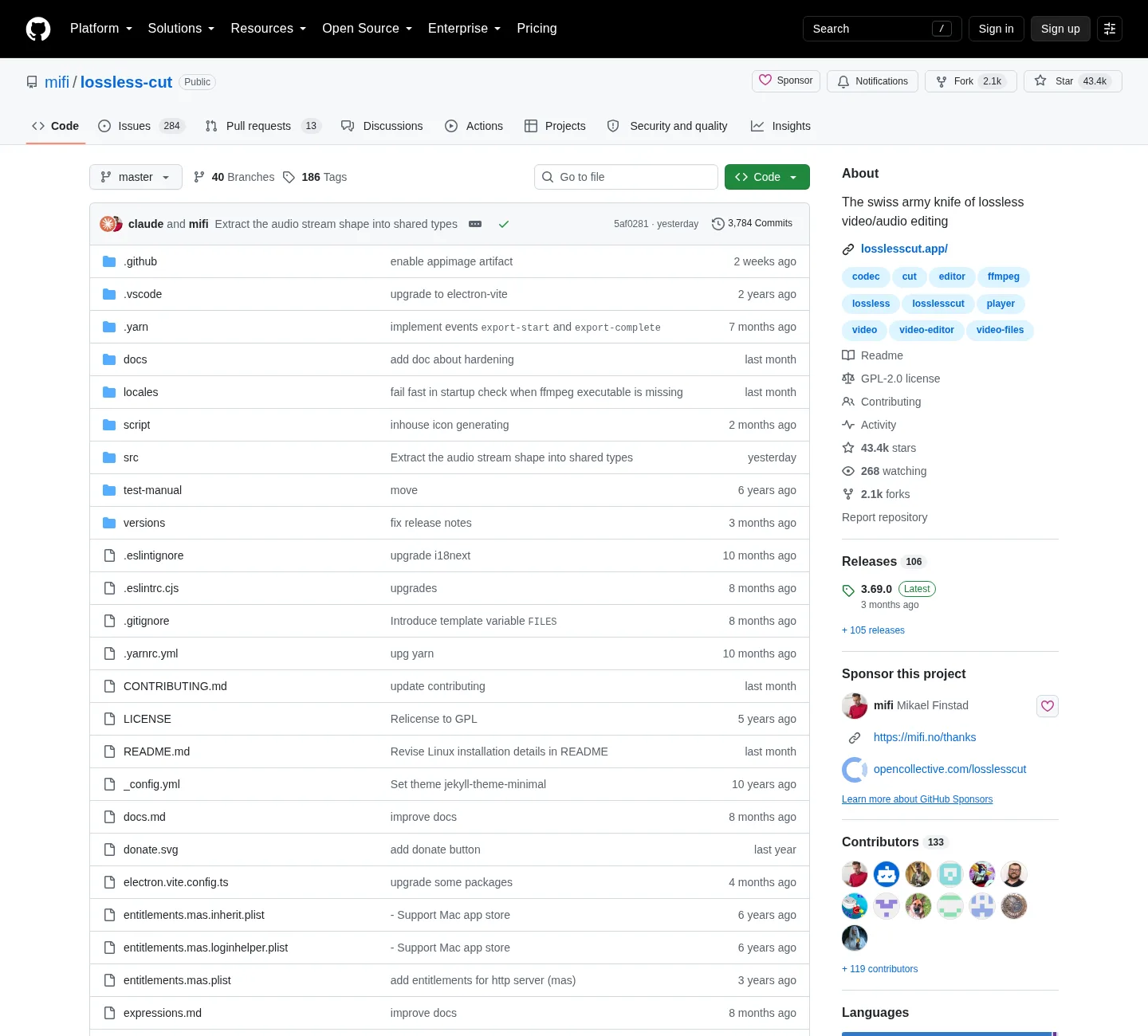
The open-source repository behind LosslessCut. GitHub: mifi/lossless-cut, captured 2026-09-02.
When is LosslessCut the better pick, and when isn't it?
LosslessCut is the better pick when you want to remove the start, the end or a few middle parts of a long video and keep the original quality. It is the wrong pick when you need titles, transitions, a smaller file or a cut on an exact frame of a file with few keyframes.
Choose LosslessCut for game recordings, phone clips, screen recordings and TV captures that only need trimming or splitting. It opens most formats FFmpeg reads, never overwrites the source, and exports in seconds.
Choose Photos for a one-off trim on a PC where you cannot install software.
Choose Shotcut or Clipchamp when the job includes text, music, fades or several clips on a timeline.
Choose Avidemux if you want copy cuts plus simple filters, and accept that its last stable release, 2.8.1, dates from September 23, 2022.
Skip VidCutter, which still appears on download sites: its last release, 6.0.5.1, is from June 16, 2021.
To make a file smaller rather than shorter, you need a re-encoding tool; LosslessCut can only shorten a file or drop tracks.
How do you install LosslessCut on a PC?
On Windows, one command installs LosslessCut: copy it, press Win+R, paste with Ctrl+V and press Enter. winget fetches package ch.LosslessCut, checks its SHA-256 against the manifest and installs it for your user account, with no admin prompt and no bundled offers.
Copy the command. Select Copy next to the winget command for LosslessCut.
Open the Run box. Press Win+R.
Paste and run. Press Ctrl+V, then Enter; winget downloads, checks and installs LosslessCut for your user account.
Start it. Open a new PowerShell or Windows Terminal window, type LosslessCut and press Enter.
The package is a community repackage of the official build, not published by the developer. If you prefer the original file, the Windows x64 7z for LosslessCut 3.69.0 is 139 MB with FFmpeg included; extract it with 7-Zip. Every file and its SHA-256 is on the official download guide.
Are free video cutter downloads safe?
Free video cutters are safe when they come from the developer or the winget catalogue, and riskier from download portals that wrap their own installer around the program. For LosslessCut, use GitHub Releases, the Microsoft Store listing or the winget command above; all three avoid third-party installers.
The LosslessCut README lists its official channels and says the GitHub downloads will always be free. The facts on this page were checked against LosslessCut 3.69.0 and the vendors' own pages.
Frequently asked questions
What is the best free video trimmer for PC?
For cutting the start and end off a video without losing quality, LosslessCut is the best free pick: it is open source, has no watermark and copies the video data instead of re-encoding it. For one quick trim with nothing to install, use the Photos app built into Windows 11.
Is there a video trimmer for PC with no watermark?
Yes. LosslessCut, Avidemux and Shotcut are open source and never add a watermark, and the Clipchamp free plan exports up to 1080p without one. The free version of Bandicut is the exception in this list: its buy page sells the full version as editing without a watermark.
Can I trim a video on Windows 11 without downloading anything?
Yes. Open the video with the Photos app, select Video trim or press Ctrl+E, drag the two handles and save a copy, as How-To Geek's walkthrough shows. Microsoft does not say whether that copy is re-encoded, so use a copy-cut tool when quality matters.
Is it safe to download a video cutter from a download site?
It is safer to take the program from its developer or the winget catalogue. Download portals often wrap their own installer around the file, while every winget manifest in microsoft/winget-pkgs pins a SHA-256 hash that winget checks before it installs anything.